 EasyPaint
Draw with your touchpad, like a pen.
EasyPaint is a drawing app for Windows, like Paint but nicer to draw in. Press Space and your laptop's touchpad becomes a pen. Real brushes on real-feeling paper, and a timelapse of every picture.
Features
What EasyPaint does
Your touchpad is a pen
Press Space and one finger draws. Two fingers move and zoom, a two-finger tap undoes. Pens draw with pressure, and the mouse works too.
Hold Ctrl to draw
Rest a finger on the touchpad and hold Ctrl: ink flows only while Ctrl is held, the same way EasySign signs.
Brushes that act real
Sixteen brushes, from pencil and ink to watercolour, oil, chalk and neon, with a steadiness slider for shaky hands.
Surfaces that change every brush
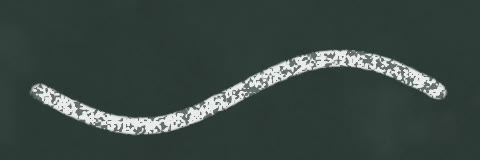
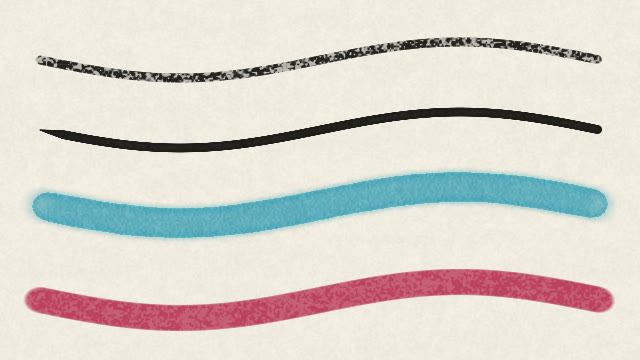
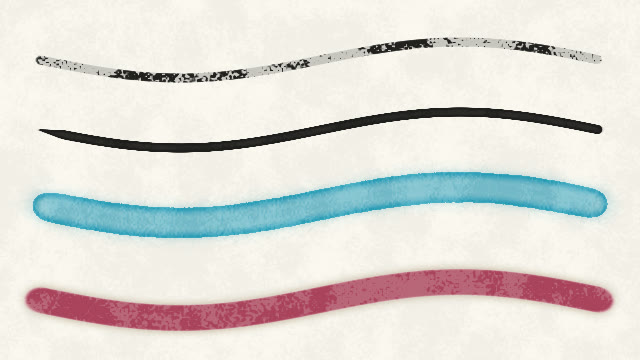
Sketch paper, watercolour paper, canvas, kraft, cardboard and chalkboard. Watercolour dries with darker edges, chalk shines on slate.
Nothing gets baked in
Text, arrows and shapes stay changeable: fix a typo, move a shape or recolour an arrow, even after saving.
Colouring that never leaks
The fill steps over small gaps in your lines and reaches right up to them, with no white rim.
Watch it being made
Every picture keeps a timelapse, each line growing at the pace you drew it. Save it as a video or an animated GIF.
Room to draw
Four picture sizes one click away. Tab folds the panels away, F11 gives the picture the whole screen.
Never lose a picture
Delete clears it all and Ctrl+Z brings it back. Unsaved pictures come back after a crash or a power cut. Layered .ora works in GIMP and Krita.
Brushes
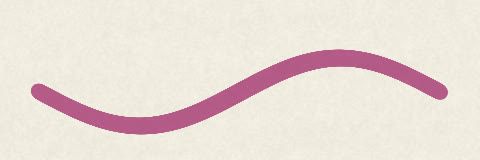
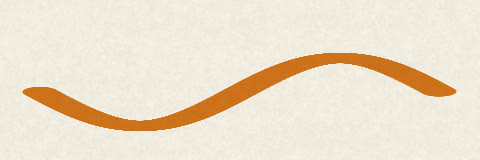
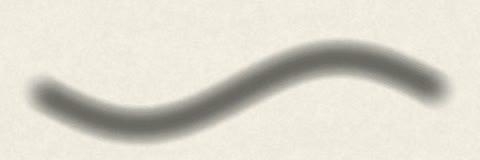
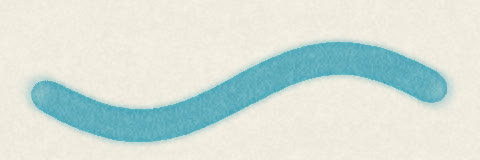
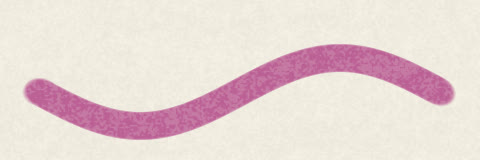
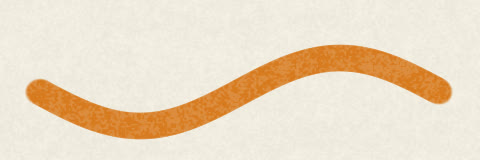
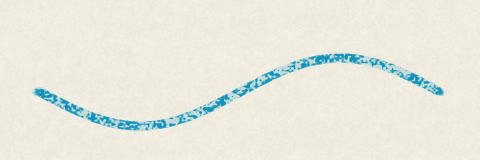
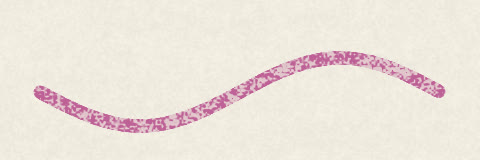
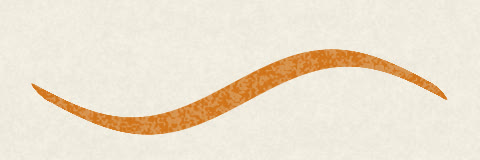
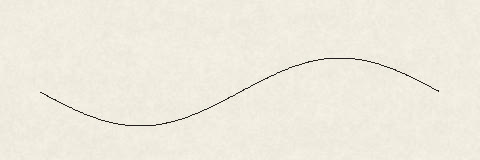
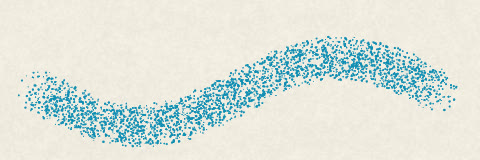
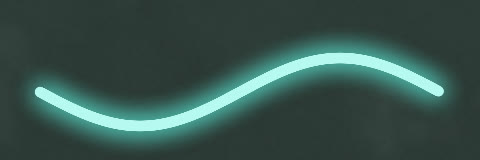
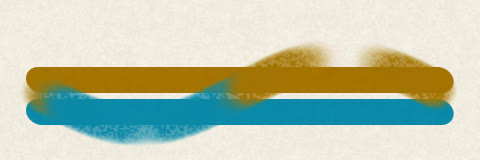
Sixteen brushes that behave like the real thing
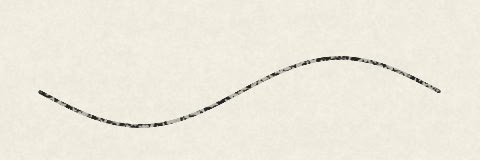
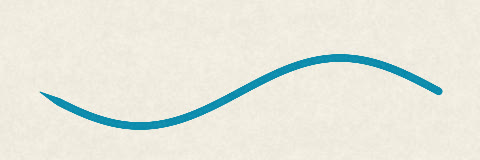
Every swatch below was painted by EasyPaint's own brush engine, not drawn by hand for the website.
Surfaces
The paper changes every brush
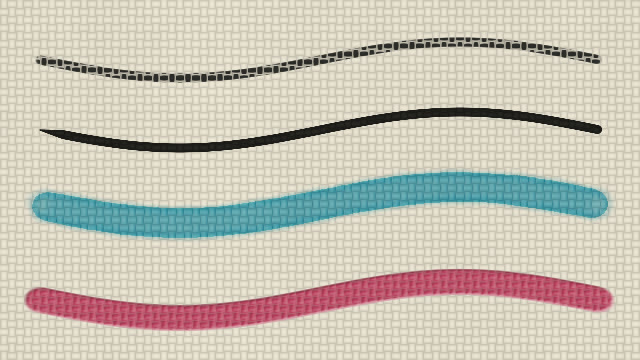
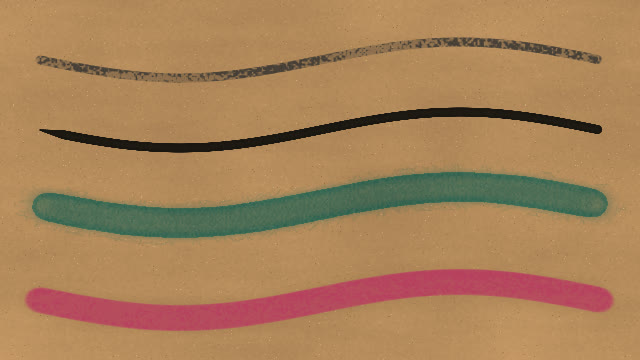
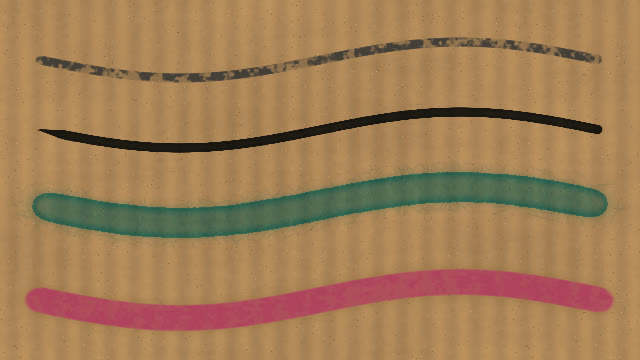
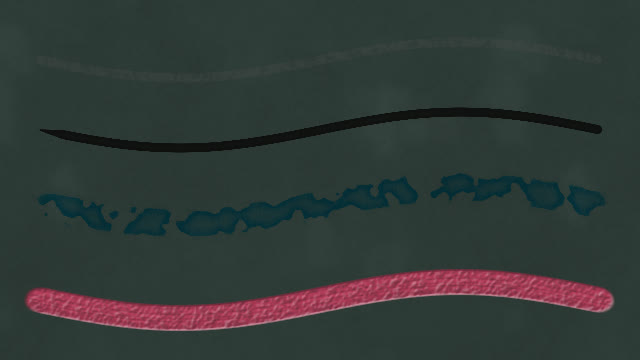
Sketch paper
The same four strokes each time: pencil, ink pen, watercolour and oil.
Look at it fresh
See your picture the way artists check theirs
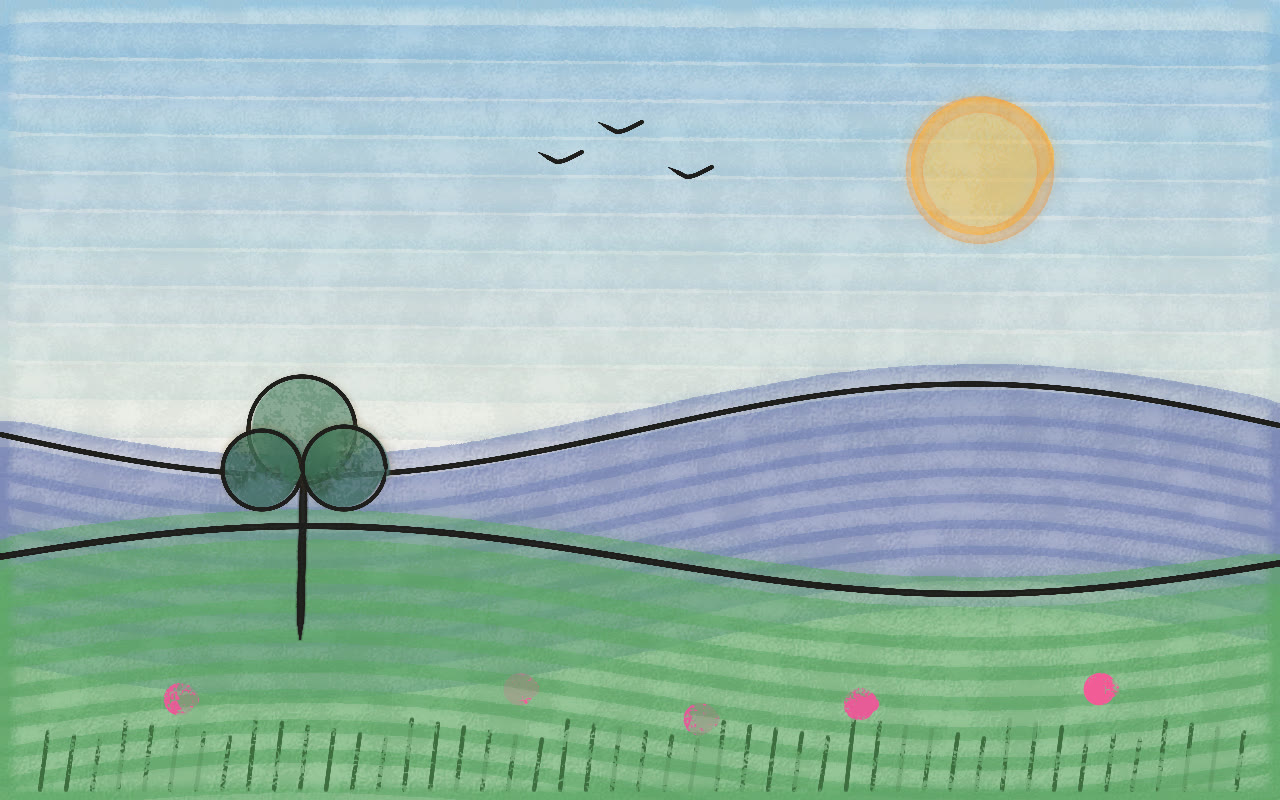
Turn the view to draw a curve the way your hand likes it. Mirror it to see what your eye has stopped seeing, go grey to check light and dark, or squint to see the big shapes. Only the view changes, never the picture.
Try the keys, or hold Shift and drag on the picture to turn it, like in the app.
Private by design
Like every Easy Suite app: no account, no internet needed, no tracking.
- Draws only on its own canvas, never over your other apps.
- Your pictures and timelapses stay on your PC.
- No network access and no telemetry.
EasyPaint is coming soon
It isn't available to download yet. Tell me you want it, or what it should do, and it helps me decide what to finish first.